From download to results
Extract the kit, check Python, and run the scanner on a network you own or have permission to assess.
THE EXPERIMENT BEHIND THE REEL
See which devices respond on your network, check their makers and ports, and learn which results deserve a closer look. Get the Python script from the reel and a guide to using it.
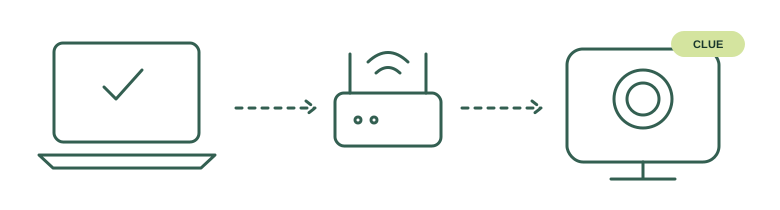
WHAT’S INSIDE
A readable guide and a small kit, with the limits left in.
Extract the kit, check Python, and run the scanner on a network you own or have permission to assess.
Understand responding devices, old cache entries, shared ports, and manufacturer matches that can include camera hubs.
Sleeping cameras, isolated guest WiFi, cellular connections, and memory-card-only devices can stay invisible.
In my home test, the scanner flagged a Blink Sync Module by its manufacturer. A battery camera responded while its official-app Live View was open, then went quiet again. The guide shows what that result means—and why an empty scan is not an all-clear.
A computer with Python 3.10 or newer, plus its normal WiFi or Ethernet connection. No pip packages, special WiFi adapter, or administrator access. macOS was live-tested; Windows and Linux parsing have fixture coverage, but were not live-tested in that session.
No. It lists discoverable IPv4 devices and flags clues. Cameras can be asleep, isolated, on another network, or recording without a network connection. It cannot prove a room is camera-free or open a camera feed.
Only if you have permission to assess that network. Having the WiFi password is not the same as permission to scan. Start on your own network.
No email is sent. The reader and download appear immediately after you enter your address. Those links expire after 15 minutes; request fresh links here or keep the downloaded kit. This does not subscribe you to a newsletter.
Yes. The scanner, tests, and downloadable guide are also available in the public CamSweep GitHub repository.